
If you have searched for “real estate CRM free” or tried to find real estate CRM pricing on a vendor’s website, you already know the problem. Some tools say “free forever”, some show dollar prices, some hide the number behind a “Talk to sales” button, and almost none tell you what a team of ten agents will actually pay in a year.
That makes budgeting hard for brokers, channel partners and small developers in India. A free plan can look like the obvious choice until you hit a user cap, a record limit or a missing portal integration in the middle of a launch. A paid plan can look expensive until you work out what one lost booking costs you.
This guide breaks real estate CRM pricing in India into plain parts: what drives the price, what free plans give you and where they stop, what paid plans cost per user, the hidden costs most buyers miss, and a simple way to check whether a CRM pays for itself.
Every price below is taken from the vendor’s own pricing page and linked, so you can check the latest figure before you decide.
Key Takeaways
- CRM pricing depends on four things: number of users, modules, integrations and support level.
- Free CRMs exist, but most cap users, records or pipelines and leave out automation, telephony and portal integrations.
- Generic CRMs in India start at a few hundred rupees per user per month on annual billing, while real estate CRMs are usually quoted per user or as a flat team plan.
- Setup, data migration, training, WhatsApp messaging and add-ons can add a lot to the first-year bill, so ask for them in writing.
- If a CRM helps you close one extra booking a month, it usually pays for itself many times over.
What is real estate CRM pricing?
Real estate CRM pricing is what a brokerage or developer pays to use customer relationship management software built for property sales. It is usually charged per user per month, billed monthly or yearly, and can include extra fees for setup, integrations, messaging and support.
What Drives Real Estate CRM Pricing?
Two CRMs with the same headline price can end up costing very different amounts. These are the four levers that decide your final bill.
1. Number of users
Most CRMs charge per user (also called per seat) per month. A team of 5 and a team of 50 on the same plan will pay ten times apart. Some vendors, like Bitrix24 and Kylas, sell flat plans that include a set number of users or unlimited users instead, which can work out cheaper for large teams.
Check who counts as a user. Some tools charge for every login, including telecallers, channel partners and managers who only view reports.
2. Modules and plan tier
Vendors split features across tiers. Lead capture and contact management are usually in every plan. Workflows, auto-assignment, custom reports, inventory management and APIs often sit in higher tiers. For real estate, the features you need daily (lead routing, follow-up reminders, site visit tracking) are sometimes locked in a middle or top plan.
3. Integrations
A real estate CRM is only as useful as the leads flowing into it. Integrations with property portals, Facebook and Google lead forms, your website, IVR or cloud telephony and WhatsApp are what make it work. Generic CRMs often charge for these as add-ons or need a paid connector, while CRMs built for real estate tend to include portal integrations as standard.
4. Support and onboarding
Email-only support is common on low tiers. Phone support, a dedicated account manager and guided onboarding usually cost more. If your team is new to CRMs, good onboarding can matter more than any single feature.
Real Estate CRM Free Plans: What You Get and the Limits
Yes, you can find a real estate CRM free of charge, or at least a free plan from a CRM you can use for property sales. Here is what some well-known free plans include, according to each vendor’s own pricing page at the time of writing.
- HubSpot free CRM tools are free for up to 2 users, with a limit of 1,000 contacts.
- Bigin by Zoho has a free edition for 1 user, 500 records and a single pipeline.
- Kylas offers a free Embark plan with unlimited users, core CRM features, 5 GB storage and a cap on records, without workflows, telephony or email templates.
- Bitrix24 has a free plan with basic CRM (deals and contacts), tasks and 5 GB storage, with telephony and marketplace apps reserved for paid plans.
Where free plans fall short for real estate
Free plans are fine for a solo agent testing the idea of a CRM. They start to hurt once you have a team and steady lead flow. The common gaps are:
- User caps. One or two users is not enough for a broker with telecallers and field agents.
- Record limits. A single portal campaign can bring in hundreds of leads in a week, which can fill a 500 or 1,000 record limit fast.
- No automation. Without auto-assignment and follow-up rules, leads sit untouched, and speed of response is what wins property leads.
- No portal or WhatsApp integrations. Leads still have to be copied in by hand.
- Generic pipelines. Stages like “qualified” and “proposal” do not map neatly to enquiry, site visit, negotiation and booking.
- Limited support. When something breaks in the middle of a launch, community forums are slow.
Our view: use a free plan to learn what you need, not to run a growing sales team.
Paid Real Estate CRM Plans: Typical Price Ranges in India
Paid plans fall into two groups: generic CRMs that you adapt for property sales, and CRMs built for real estate. The table below shows published starting prices. Prices change often and taxes are usually extra, so treat this as a snapshot and check each link before you buy.
| Tool | Type | Published starting price | Billing note |
|---|---|---|---|
| Bigin by Zoho | Generic (small teams) | ₹400 per user per month (Express) | India price, billed annually |
| Bitrix24 | Generic suite | ₹1,910 per month for 5 users (Basic) | Flat plan, billed annually |
| Freshsales | Generic | $9 per user per month (Growth) | USD, billed annually |
| HubSpot | Generic | From $7 per seat per month (Starter) | USD |
| Kylas | Generic (India SMB) | ₹12,999 per month (Elevate) | Flat plan, unlimited users |
Some lessons from these numbers:
- Entry prices look low, but the plan that includes workflows, telephony and reports is usually one or two tiers higher.
- Global tools often show prices in US dollars, so your rupee cost moves with the exchange rate.
- Flat plans with many included users can beat per-user pricing for teams above 15 to 20 people.
- Real estate CRMs often do not publish prices at all and quote after a demo, because the price depends on team size and integrations.
If you are still deciding between a generic CRM and one built for property, read our comparison of real estate CRM vs generic CRM. For a wider list of options, see the top 17 real estate CRMs in India.
Hidden Costs: Setup, Migration, Training and Add-Ons
The per-user price is rarely the full cost. Ask every vendor about these before you sign.
Setup and configuration fees
Some vendors charge a one-time fee to configure pipelines, users, lead sources and permissions. Others include it. Ask whether the fee covers portal and ad integrations or only basic setup.
Data migration
Moving years of leads from Excel sheets, an old CRM or a portal dashboard takes work. Check whether the vendor imports your data for you, how many records you can import at once, and whether duplicates are cleaned on the way in.
Training
A CRM your team does not use is the most expensive kind. Ask how many training sessions are included, whether they are live or recorded, and whether new joiners can be trained later at no cost.
Add-ons and usage charges
These are the costs that grow with use:
- WhatsApp Business API messages, which Meta charges for through your messaging provider.
- Cloud telephony minutes and virtual numbers.
- SMS credits.
- Extra storage or records beyond the plan limit.
- Paid connectors for portals or ad platforms.
- Field tracking or mobile app add-ons charged per user.
Price increases at renewal
Annual plans are often discounted in year one. Ask what the renewal price will be and whether it is locked for more than one year.
How to Work Out ROI from One Extra Booking a Month
The simplest way to judge real estate CRM pricing is to compare it with the value of a single sale. Here is a worked example with round numbers. Replace them with your own.
- Average property value you sell: ₹80 lakh.
- Your commission: 2 percent, so ₹1.6 lakh per booking.
- Team size: 10 users.
- CRM cost: say ₹1,000 per user per month, which is ₹1.2 lakh a year for the team.
In this example, one extra booking in the whole year covers the CRM. One extra booking a month would bring in ₹19.2 lakh a year against a ₹1.2 lakh cost.
Where does that extra booking come from? Usually from three places:
- Faster first response, because new leads are assigned and alerted automatically. Our guide on lead management explains why speed matters.
- Fewer forgotten follow-ups, because the CRM reminds agents and shows managers what is overdue.
- Better spend decisions, because you can see which portal or campaign brings bookings, not just leads.
Track bookings per month and cost per booking before you start, then compare after 90 days. That gives you a real ROI number instead of a guess.
Questions to Ask Before You Pay for a Real Estate CRM
Use this list on every demo call so you can compare quotes fairly.
- What is the total price for my team for 12 months, including taxes?
- Who counts as a user, and can I add or remove users mid-year?
- Which property portals, ad platforms and telephony providers are included?
- Is WhatsApp included, and how are messages billed?
- Is there a setup, migration or training fee?
- What are the record and storage limits?
- What does support look like, and in which hours?
- What will the renewal price be?
Leadrat Pricing and What Is Included
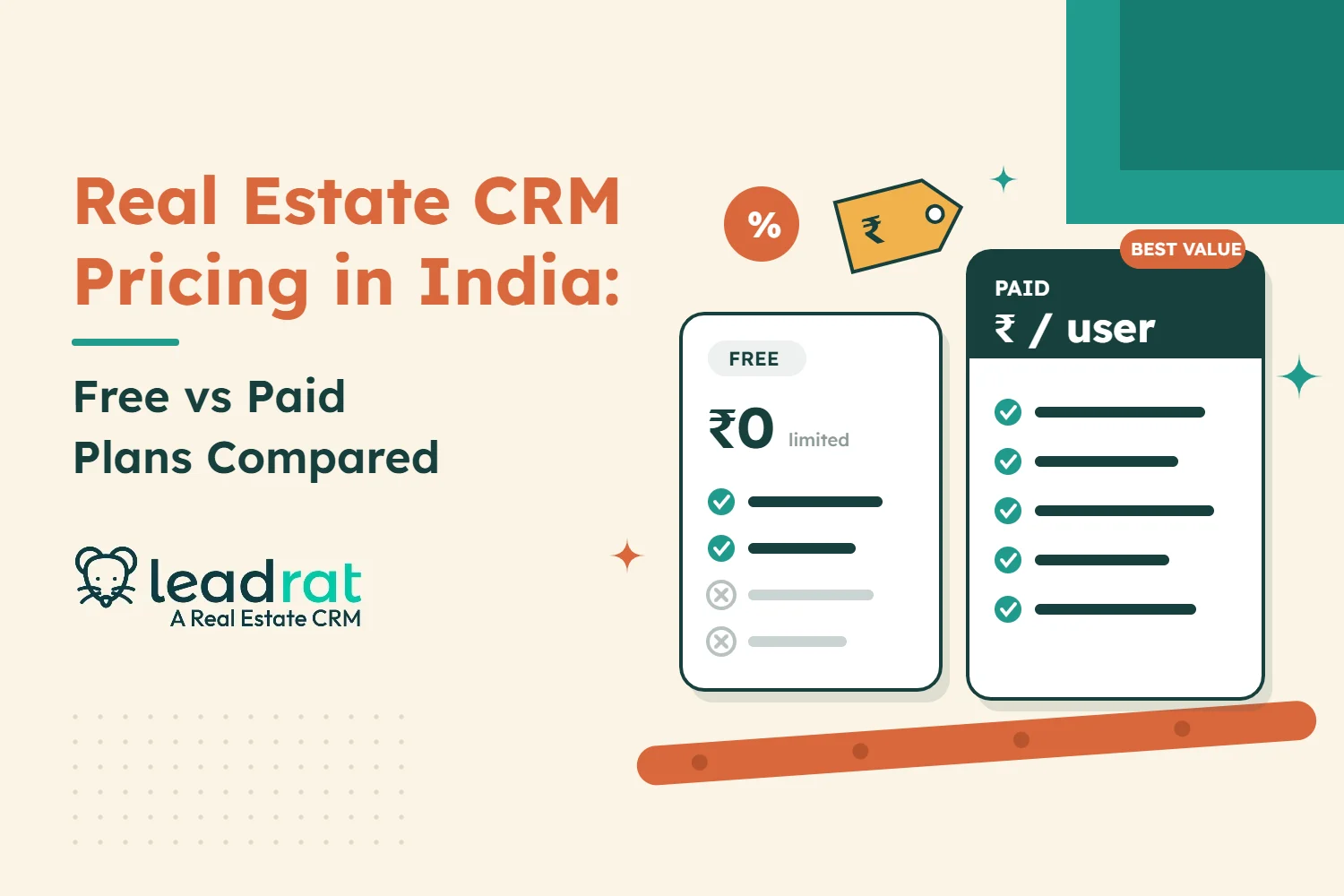
Leadrat keeps pricing simple. According to the Leadrat pricing page, there is one plan with every feature, priced per user and billed annually. There are no feature tiers, so a 10-person brokerage and a 100-person developer team use the same CRM. The per-user rate drops as your team grows, with lower rates at 20, 30, 50 and 100 users, and larger brokerages and developers can ask for a custom plan.
What you get in every plan
- Centralised lead management with auto-assignment and follow-up reminders.
- Property and project management, so agents can match leads with available inventory.
- Client relationship management from enquiry to site visit to booking.
- Team and goal tracking for managers.
- Performance analytics and reports.
- Third-party integrations. [CONFIRM: list of portal, ad and WhatsApp integrations included at no extra cost]
- 24/7 real-time support.
Why Leadrat
Leadrat is built for real estate teams in India and the UAE, so the features that usually cost extra in a generic CRM are part of the product.
- One plan, every feature. You do not have to upgrade to get automation or reports.
- Made for property sales. Stages, site visits and inventory work the way brokers and developers already sell.
- Lower per-user rates as you grow, so adding telecallers and agents does not punish you.
- Support around the clock, which matters during launches and weekend site visits.
The best way to see whether it fits your team is to see it with your own lead sources. Book a free demo and a Leadrat expert will walk you through the CRM and a price for your team size.
Conclusion
Real estate CRM pricing in India ranges from free plans to flat team plans and per-user plans. Free plans are a good way to start, but user caps, record limits and missing integrations make them hard to grow with. Paid plans vary in price, and the headline number rarely includes setup, migration, messaging or add-ons.
Compare the full first-year cost, not the per-user price, and judge it against the value of one booking. If a CRM helps your team respond faster and follow up on every lead, it will usually earn back its cost within months.
Frequently Asked Questions
Is there a free real estate CRM in India?
Yes. Several CRMs offer free plans, such as HubSpot’s free tools for up to 2 users, Bigin by Zoho for 1 user and Kylas with a free Embark plan. Most free plans limit users, records or features and leave out automation and portal integrations, so they suit solo agents more than growing teams.
How much does a real estate CRM cost per user in India?
Published entry prices for CRMs used in India start at a few hundred rupees per user per month on annual billing, and rise with higher tiers, add-ons and integrations. Real estate CRMs often quote after a demo based on team size. Always ask for the total 12-month cost including taxes.
What hidden costs should I expect with a CRM?
Common extra costs are one-time setup fees, data migration, training, WhatsApp Business API messages, telephony minutes, SMS credits, extra storage and paid connectors for portals or ad platforms. Ask each vendor to list these in writing with the quote.
Is a generic CRM cheaper than a real estate CRM?
The entry price of a generic CRM can be lower, but you often pay extra for the tier with workflows and reports, plus connectors for property portals. A real estate CRM usually includes these, so the total cost can be similar or lower once everything is counted.
How do I know if a CRM is worth the price?
Compare the yearly CRM cost with the commission from one booking. Track bookings per month and cost per booking before you start, then check again after 90 days. If the CRM helps close even one extra deal a year, it has usually paid for itself.